CRM for small businesses
A CRM your team can keep up to date
Salesflare is the CRM for small B2B teams that captures customer data and interactions automatically. Spend less time updating records and more time with customers.




A practical start
Get organized without a CRM administrator
Connect your inbox, review suggested contacts and add active deals. Start with one pipeline, then invite your team.
How to use account suggestions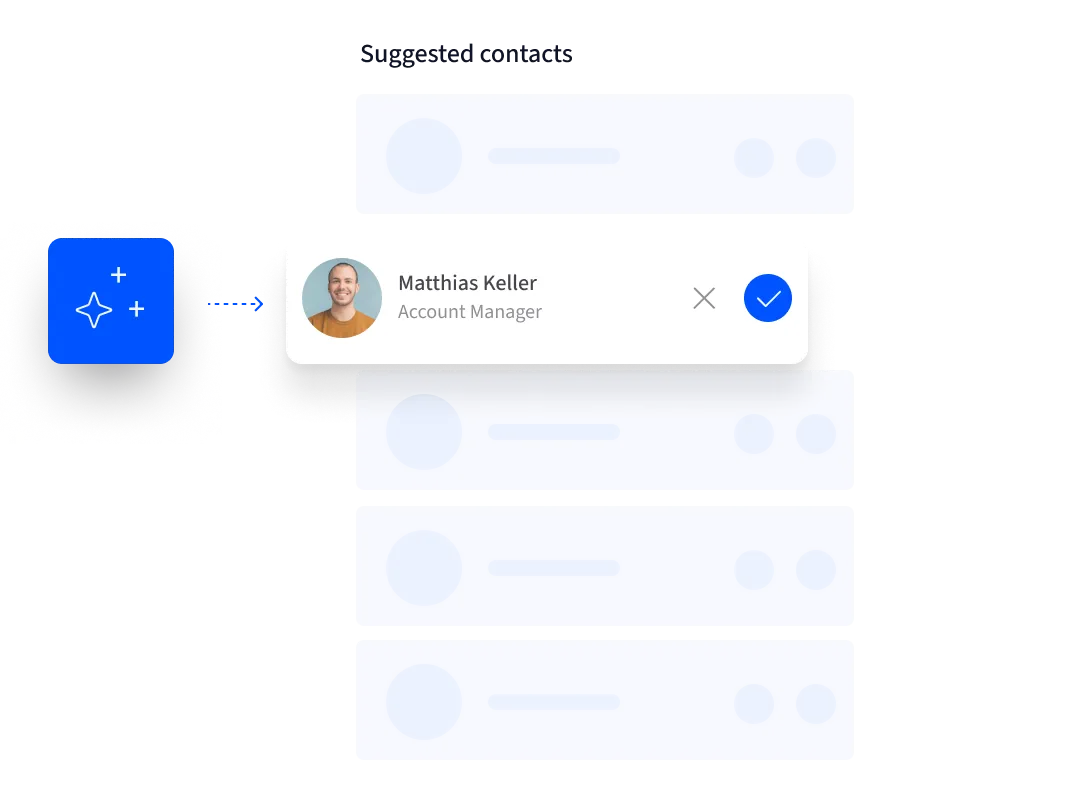
Complete customer context
Keep customer information current automatically
Capture contact and company details from signatures and public sources. Log emails and meetings automatically. Add only the context you know.
How to use the enrichment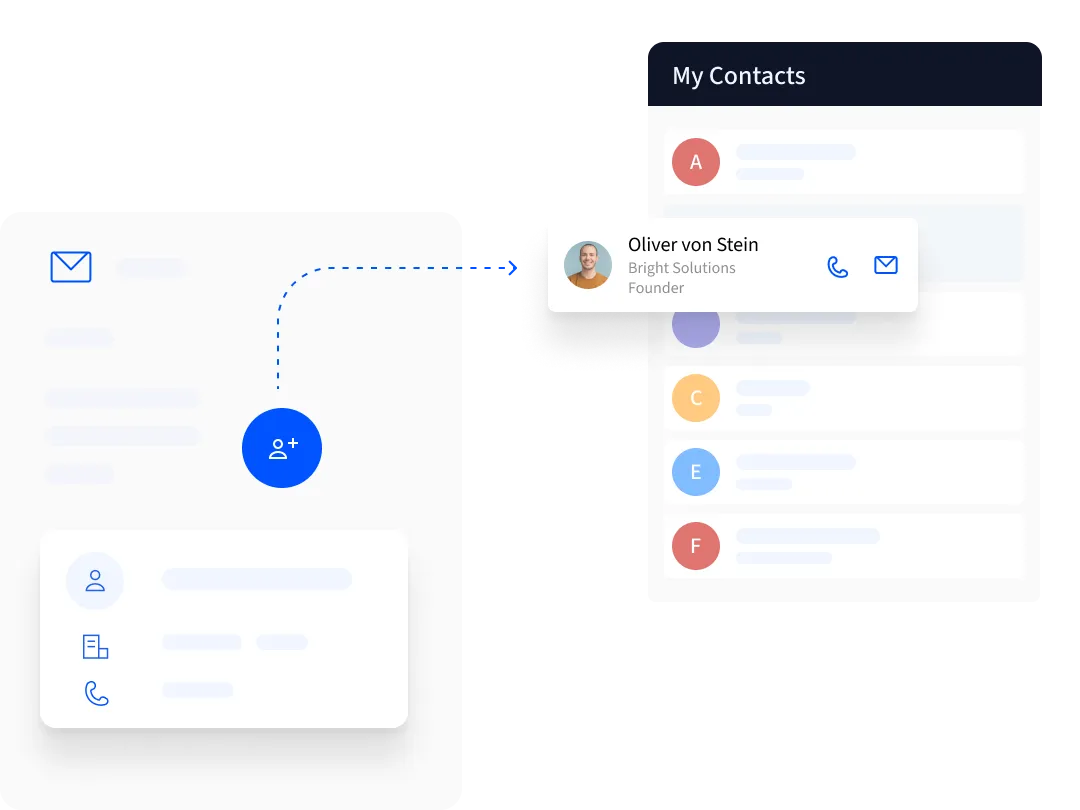
Reliable follow-up
Give every lead a next step
See opportunities, owners and tasks in one pipeline. Follow-up and reply reminders keep conversations moving.
How to set up auto reminders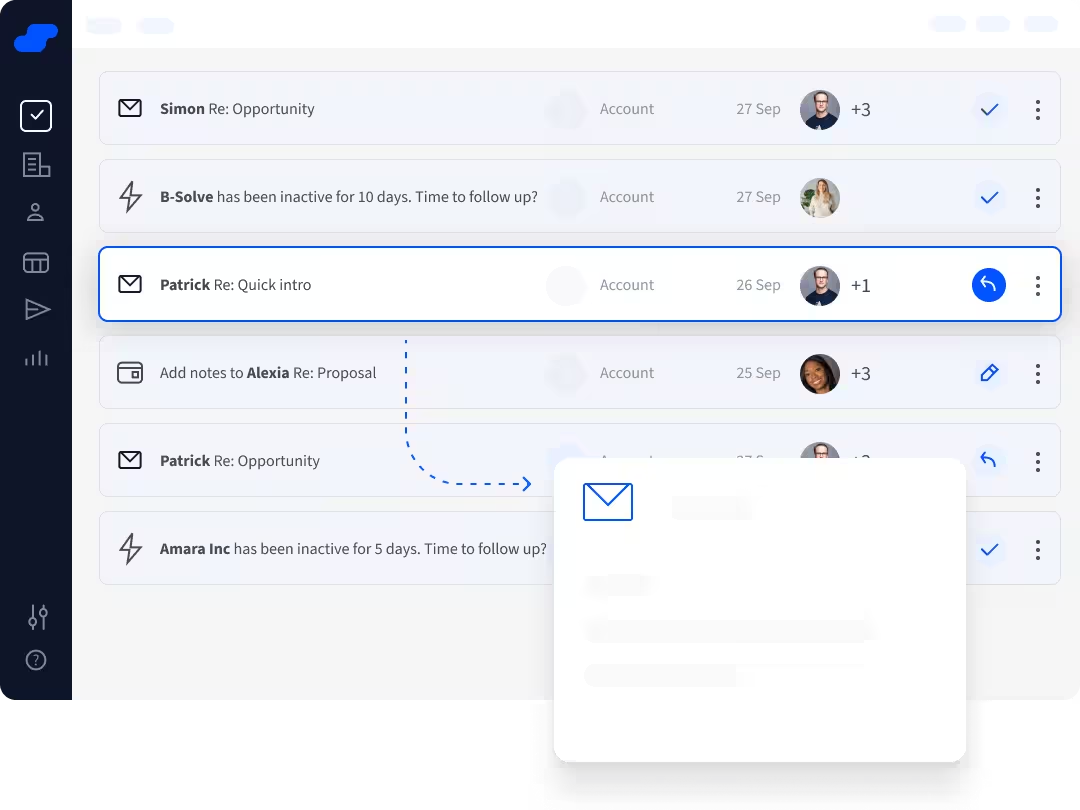
Your everyday tools
Work from the tools you already use
Work inside Gmail / Google Workspace or Outlook / Microsoft 365, alongside LinkedIn and on mobile. Your CRM keeps up in the background.
How to set up the add-in
One customer history
Share one customer history
Keep emails, meetings, notes and tasks together around each account. Colleagues can pick up conversations knowing what happened before.
How to create & share accounts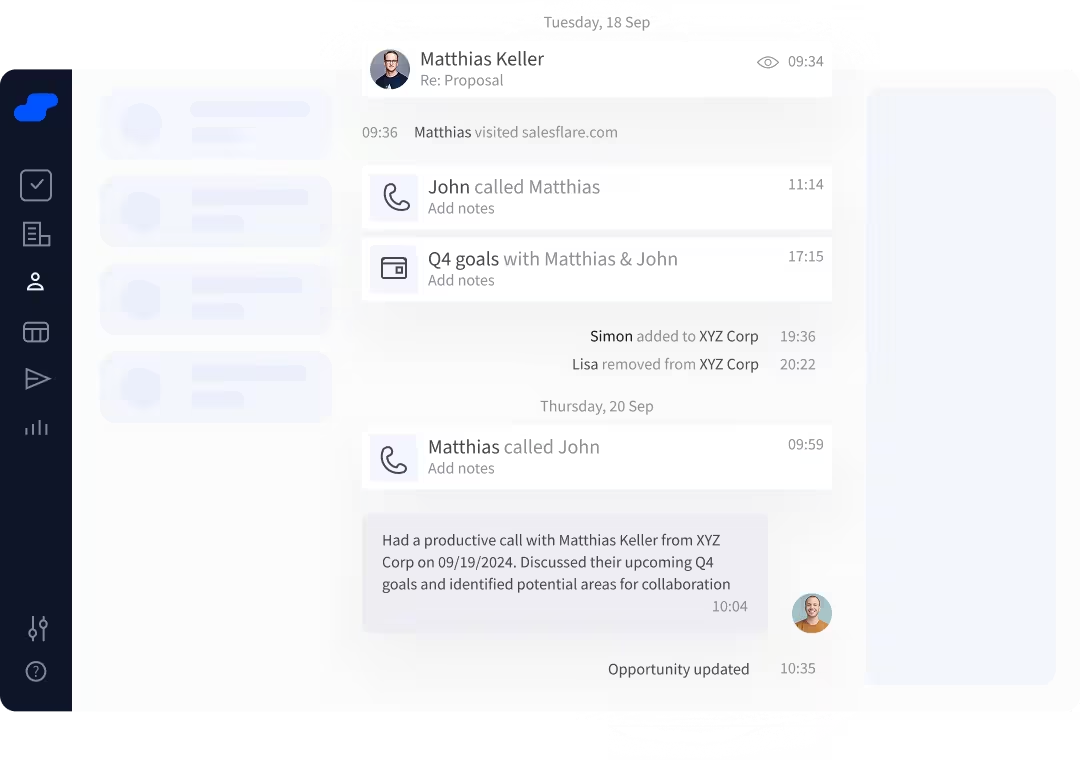
Sales visibility
See how sales are doing
See pipeline, revenue, forecast and win rate in built-in dashboards. Use Pro custom dashboards for your own breakdowns.
How to read the dashboards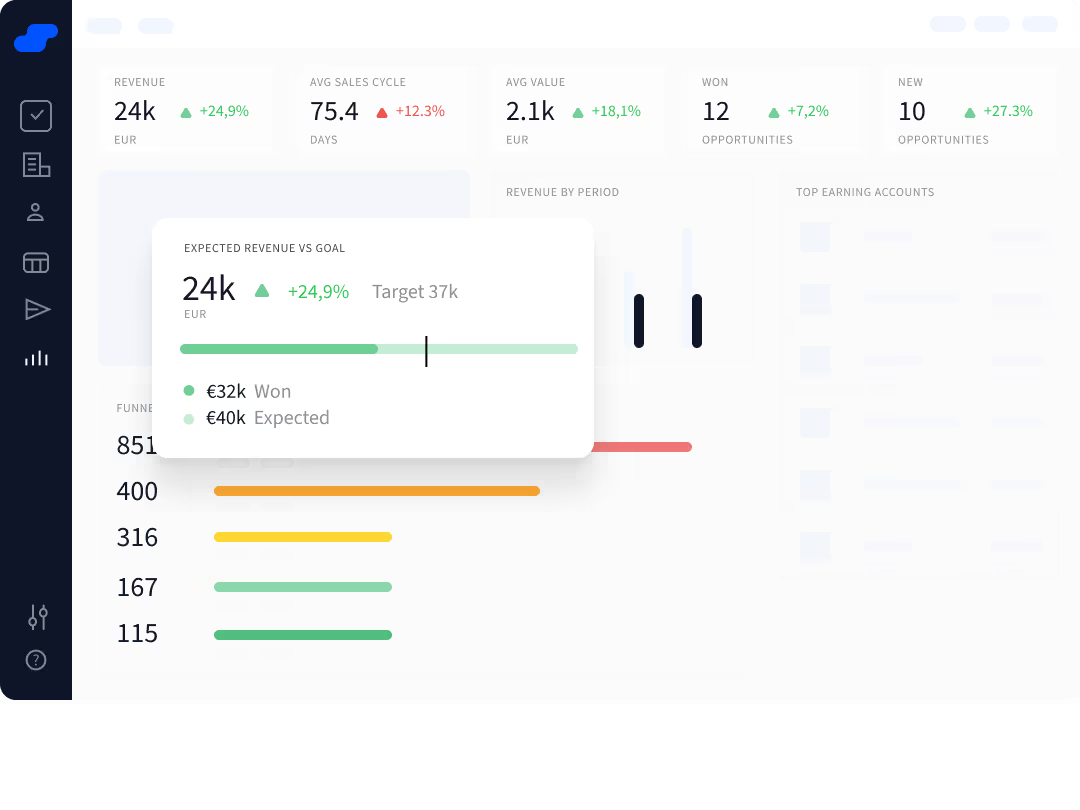
Simple first, flexible later
Start simple. Customize when needed.
Add useful fields, save filters and create pipelines as needed. Connect your other business tools through integrations.
How to create custom fields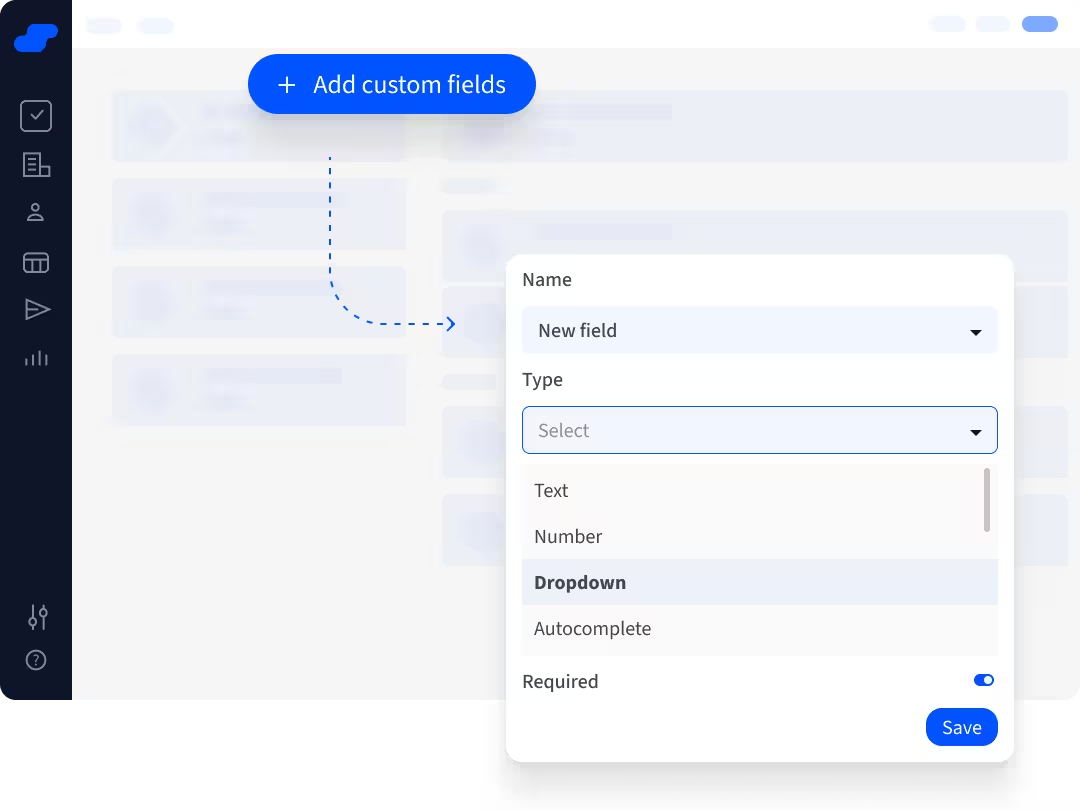
Customer experience
Less effort. More useful customer context.
A CRM that is easier to keep current.
“The thing that separates Salesflare from the pack is that it's so easy to keep it up to date.”
Josh Garofalo, CEO at Sway Copy
“Salesflare is the perfect choice for me as a solopreneur looking to streamline my sales processes.”
Prabhu G., Founder at YiScroll
“Salesflare helped me to find out where I needed to focus to close more deals.”
Michael Rasmussen, CEO at GRC Report
Get started
Set up your CRM in four steps
- Connect your inbox
Link the business email and calendar your team already uses.
- Set up one pipeline
Add active deals with clear stages, values and owners.
- Invite colleagues
Share customer context and agree on follow-up responsibilities.
- Build the habit
Review next actions each week and customize only when it helps.
Is Salesflare right for you?
Good fit
Small B2B teams managing relationships, multiple contacts and sales that need personal follow-up.
Less good fit
Retail/POS, consumer ecommerce or huge enterprise deployments. Salesflare focuses on B2B sales.
Frequently asked questions
Will my team have to enter every email and meeting?
No. Connected email and calendars log them automatically. Add notes and deal details when needed.
Does Salesflare work with both Gmail and Outlook?
Yes. View and update CRM information inside Gmail / Google Workspace or Outlook / Microsoft 365.
Can we start small and add features later?
Yes. Start with a pipeline and reminders. Add fields, integrations or Pro workflows when you need them.
What happens when another teammate takes over a deal?
Update the opportunity owner and record the next action. Shared account history gives the new owner the emails, meetings and notes needed to continue the conversation.
What information do we need for a useful sales forecast?
Keep opportunity values, stages and expected close dates current. Automatic email and meeting logs provide context, but your team still needs to update deal details as plans change.
Pricing
Automatic data capture is included on all of our CRM plans.
Starting from
$29

We're here for you
Not sure how to do something or facing a problem? Our team knows the software through and through, plus there's always a developer standby.