CRM for consultants
Build relationships. Follow up consistently.
Salesflare is the B2B CRM for consultants that captures customer data, emails and meetings automatically. Spend less time updating records and more time with clients.




Consistent follow-up
Never lose a promising relationship
Get reminded to follow up and reply. Keep the full relationship history and next steps ready for every client conversation.
How to set up auto reminders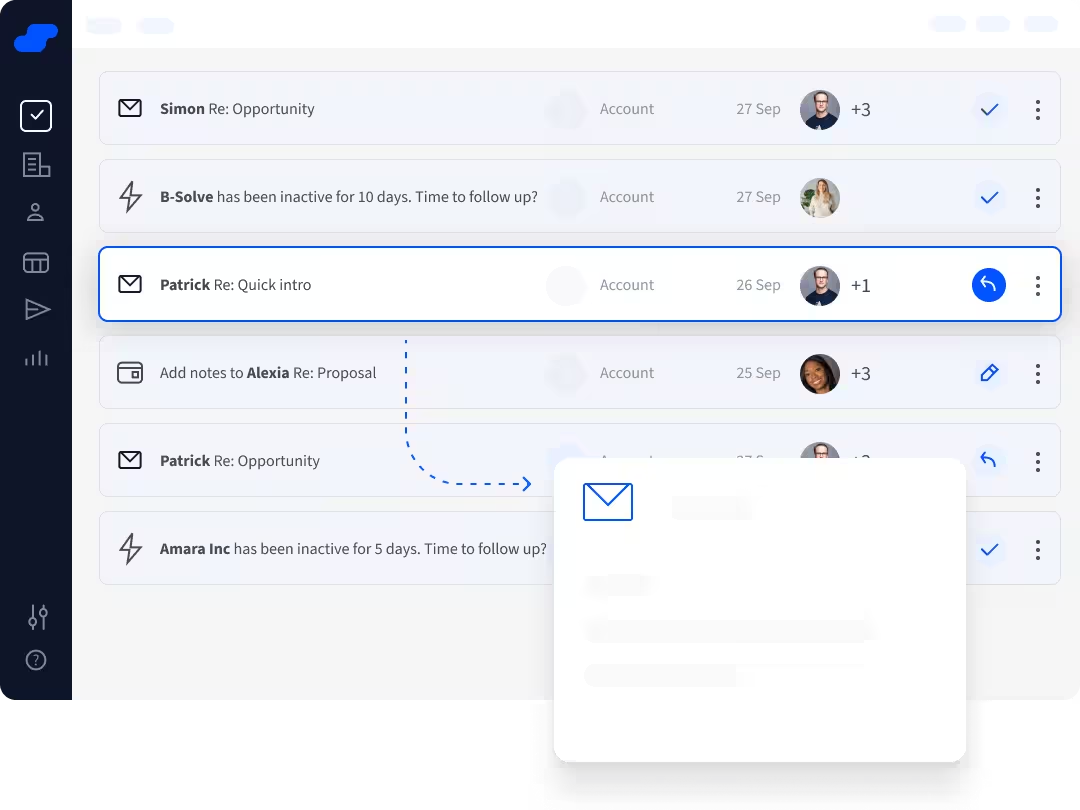
Automatic data capture
Let the CRM build itself
Get suggested contacts and accounts, enriched from signatures and public sources. Emails and meetings are logged automatically through Gmail or Outlook.
How to use the enrichment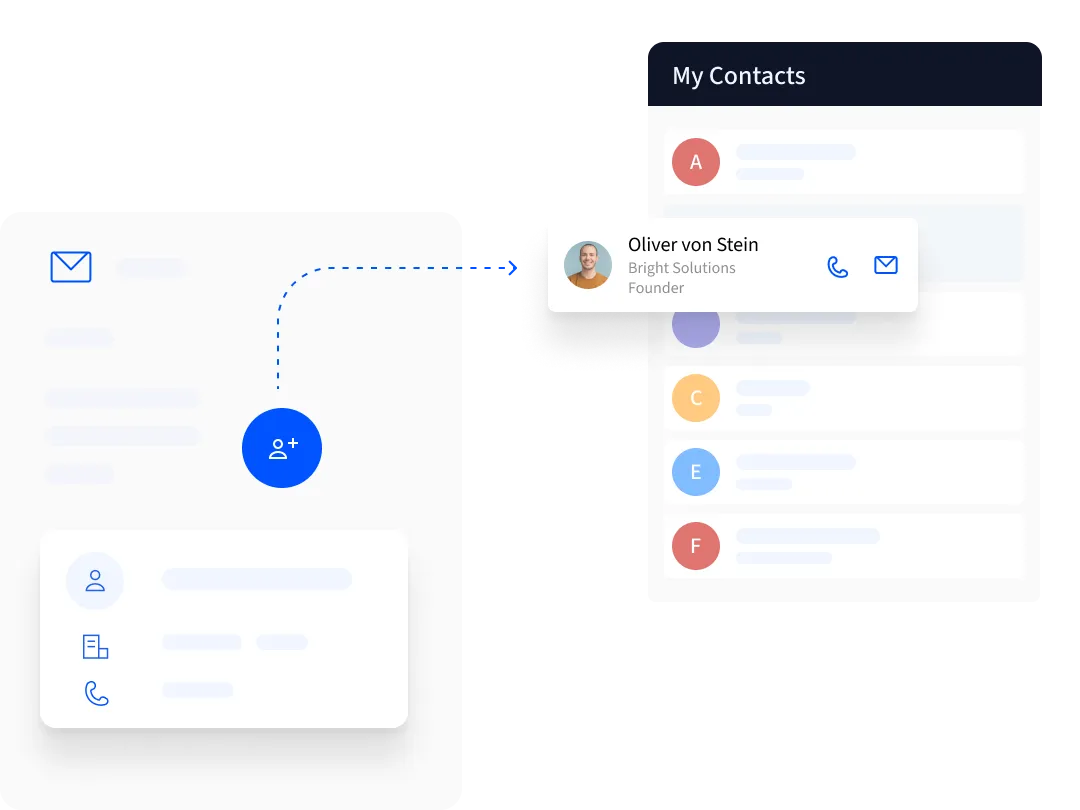
LinkedIn to pipeline
From LinkedIn conversation to opportunity
Add prospects through the LinkedIn sidebar, find their business email and create an opportunity. Follow up personally or with Pro email sequences.
How to use the LinkedIn sidebar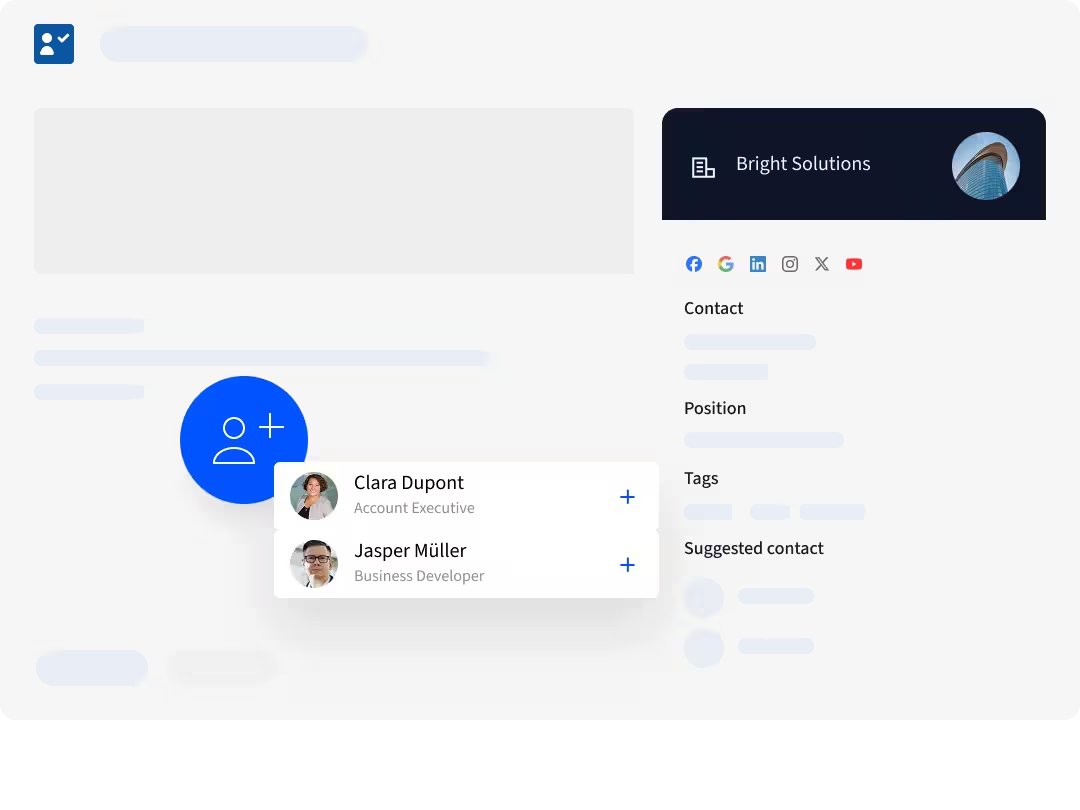
Account-based relationships
Keep every client stakeholder in view
Keep sponsors, budget holders and other decision-makers under one account. See who knows whom and ask the right colleague for an introduction.
How to explore team relationships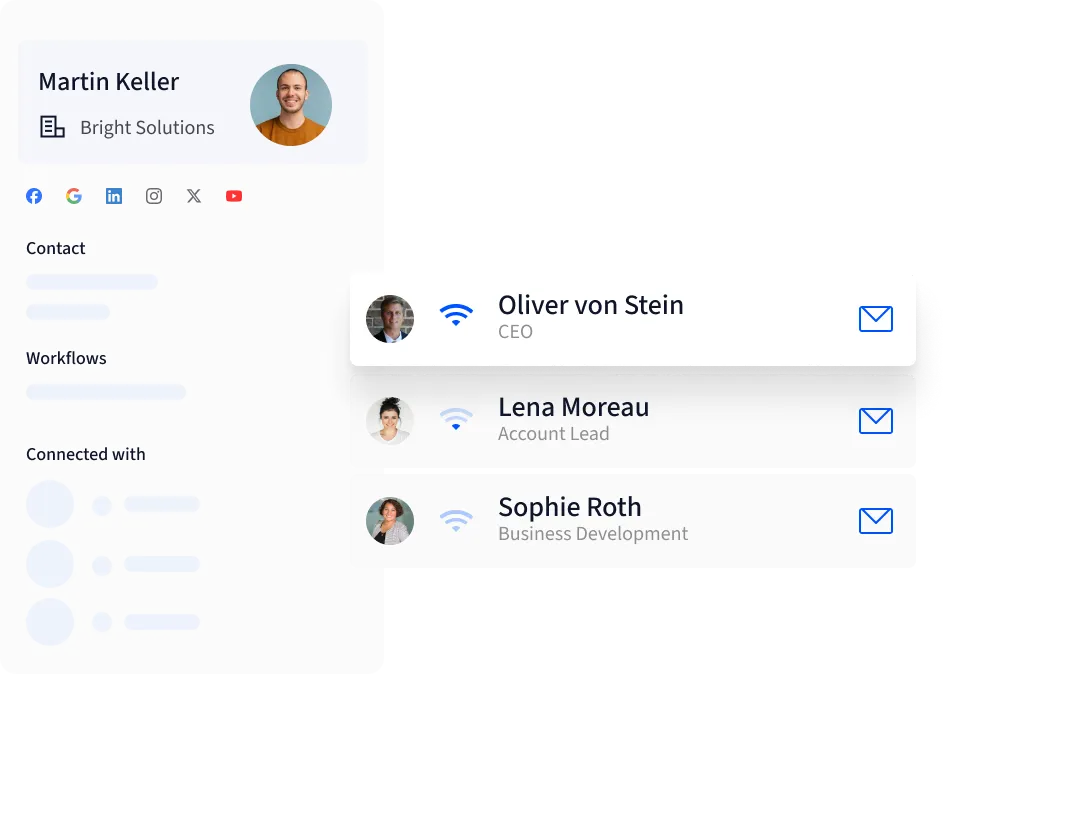
Your consulting sales process
Build pipelines around your consultancy
Create pipelines for prospecting, new business, existing-client opportunities and partnerships. Adapt the stages to the way your consultancy sells.
How to set up your pipeline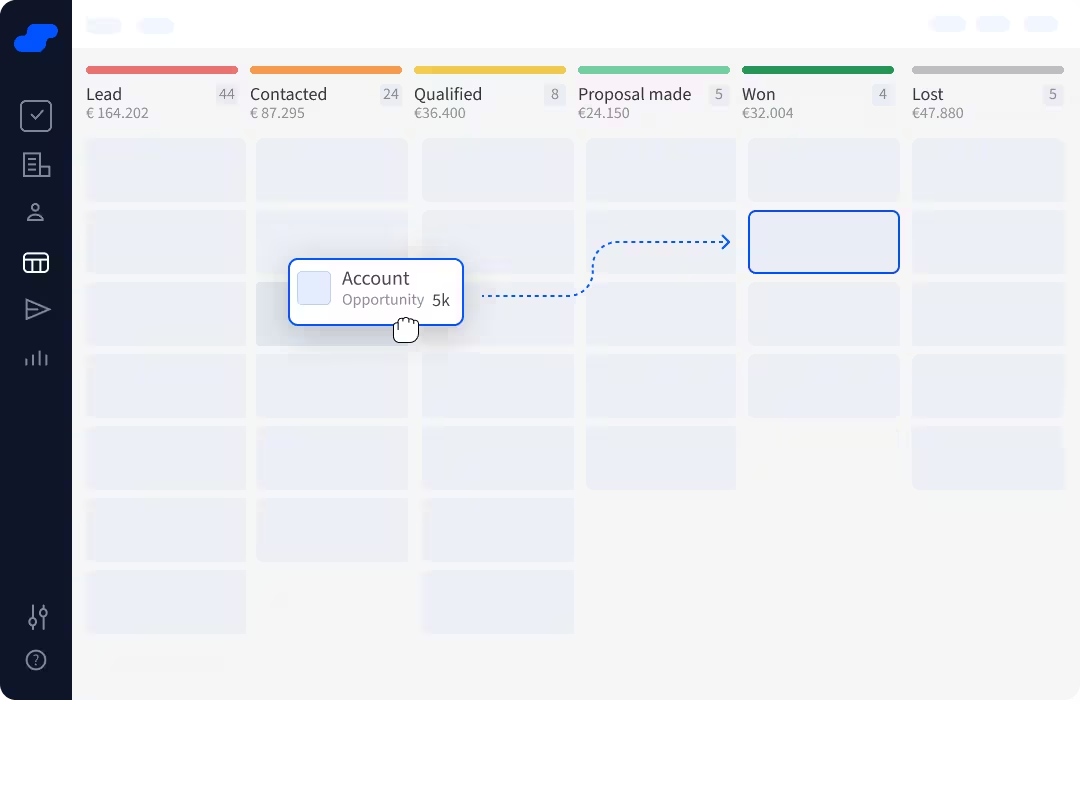
Sales insights
Find what holds sales back
Track conversion, sales cycle and forecasts. Use Pro custom dashboards to compare sources, services and lost reasons.
How to customize reporting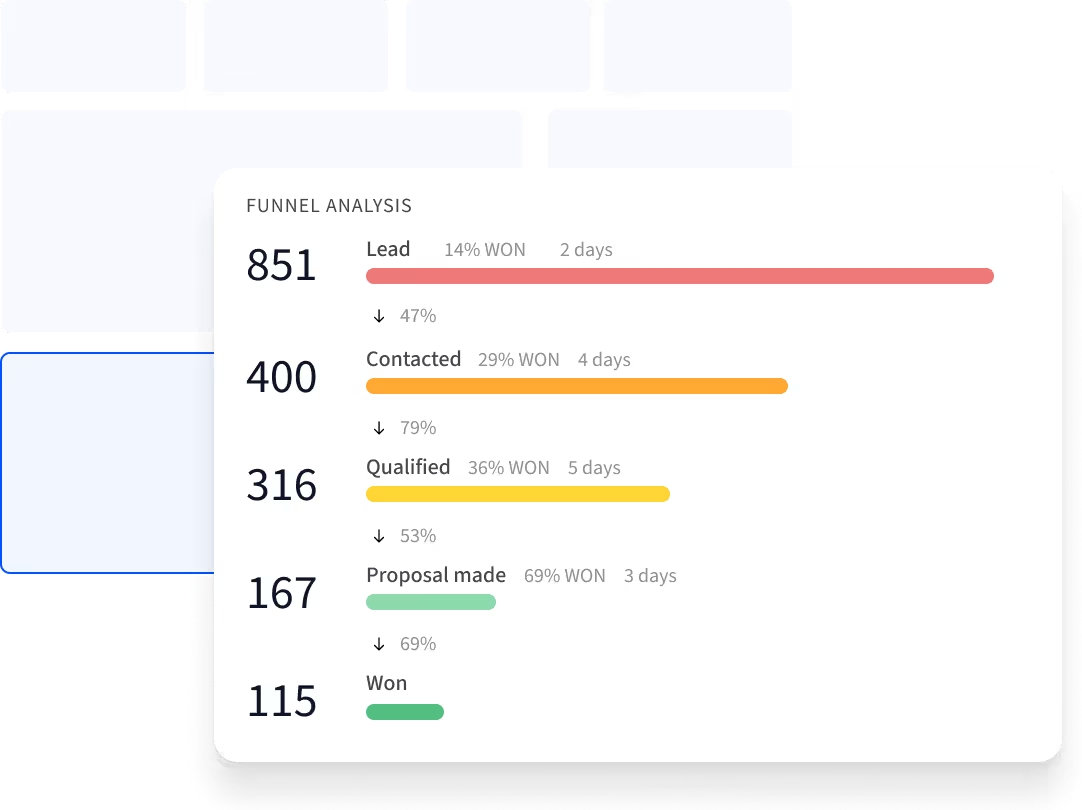
Customer experience
How ResultConsulting improved its sales process
ResultConsulting used Salesflare to follow up consistently and find sales bottlenecks. The team reports revenue growth from better follow-up and ongoing improvements to its sales process.
2.5×
Reported revenue growth from better follow-up
6.5×
Overall reported revenue growth, 2020–2022
“Looking for a CRM, we knew that the biggest roadblock towards success would be to actually use the CRM we chose.”
Matteo Mirabella, CEO at ResultConsulting
Read more →Get started
Set up your CRM in four steps
- Connect your inbox
Link your business email and calendar to start capturing relationship history.
- Add client accounts
Review suggestions and group the relevant stakeholders under each company.
- Define the next step
Set clear stages, opportunity owners and follow-up tasks.
- Review together
Check stalled deals weekly. Use consistent sources and lost reasons to learn.
Is Salesflare right for you?
Good fit
B2B consultants selling expertise through conversations, proposals and ongoing client relationships.
Less good fit
Project scheduling, billable time or invoicing. Keep those in your delivery tools.
Frequently asked questions
Can an independent consultant use Salesflare?
Yes. Start with one user, connect your inbox and add your active opportunities.
Can I manage renewals and cross-selling?
Yes. Add opportunities at existing accounts, with a separate pipeline if renewals follow a different process.
How does Salesflare help consultants spend less time on CRM admin?
Salesflare automatically logs emails and meetings from connected inboxes and calendars, suggests contacts and accounts, and enriches records from email signatures and public sources. Follow-up reminders help you keep client relationships moving.
Does Salesflare replace consulting delivery software?
No. Use Salesflare to win and grow client relationships. Keep project planning, time tracking and invoicing in your delivery tools.
Can I compare sales across consulting services?
Yes. Record the service on each opportunity and use Pro custom dashboards to compare results. Keep service names and lost reasons consistent for useful reporting.
Pricing
Automatic data capture is included on all of our CRM plans.
Starting from
$29
Explore more for your team

We're here for you
Not sure how to do something or facing a problem? Our team knows the software through and through, plus there's always a developer standby.